Roster & teams
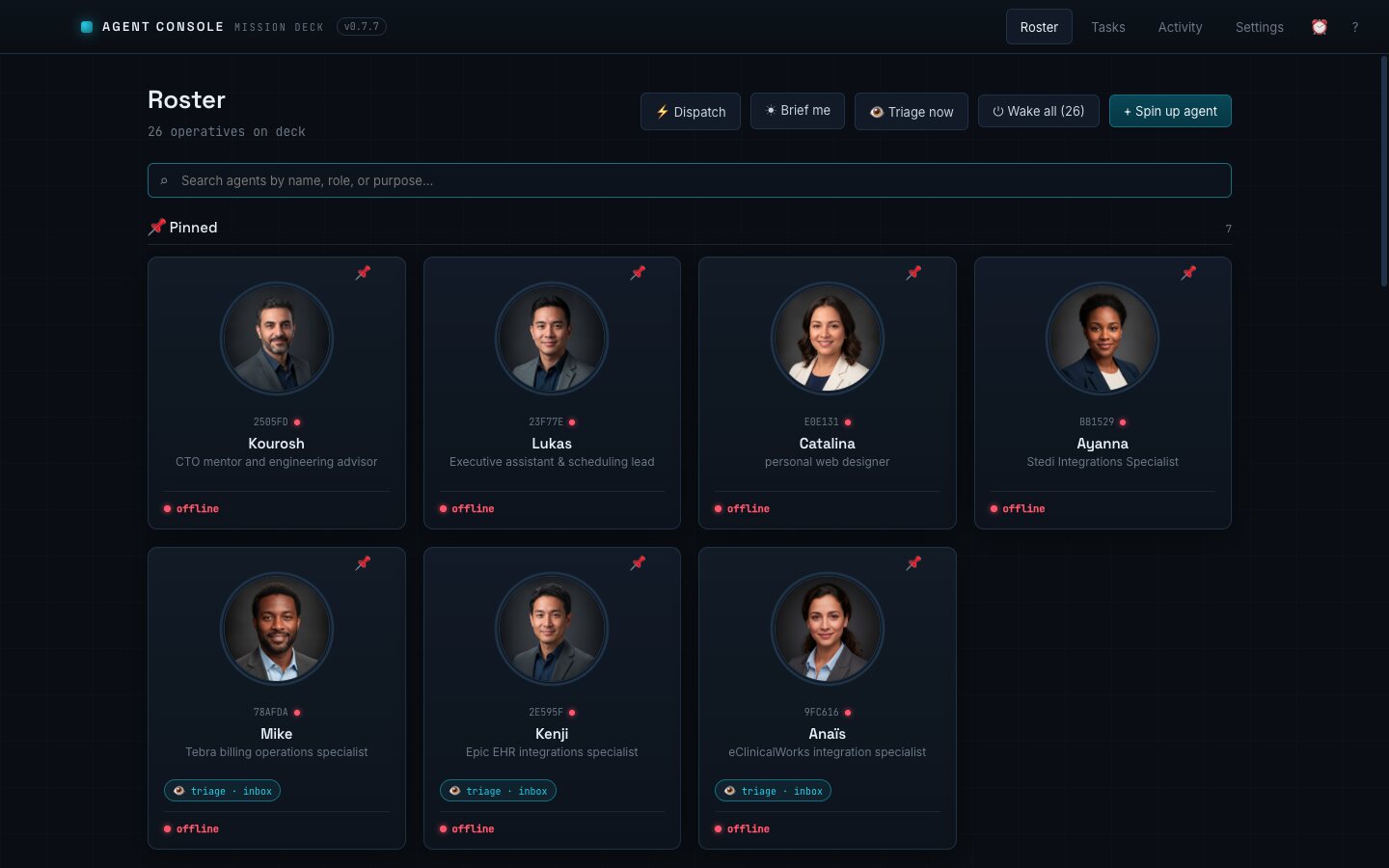
Every agent is a card, grouped by team lead, with live status, today's spend, and triage chips, plus inline editing of role and settings.
A desktop command center for running a whole fleet of AI agents at once. Each agent has its own name, role, working folder, live terminal, and budget, and they share a task board and activity feed so a team of operatives can work in parallel without losing the thread.
AI agents are powerful one at a time, but the moment you want several of them working in parallel, each on its own job, the experience falls apart. You end up juggling terminal tabs, losing track of what each one is doing, and paying for runs you forgot were still going.
I wanted to run a team of agents the way you'd run a team of people: each with a clear role and a budget, a place to see everyone's status at a glance, and a shared board to coordinate the work.
A single desktop app that turns a pile of separate AI sessions into a coordinated crew. Spin up a named agent, give it a role and a working folder, and it runs as a full interactive session you can drop in on at any time, while the app keeps the whole fleet organized around it.
Every agent is a card, grouped by team lead, with live status, today's spend, and triage chips, plus inline editing of role and settings.
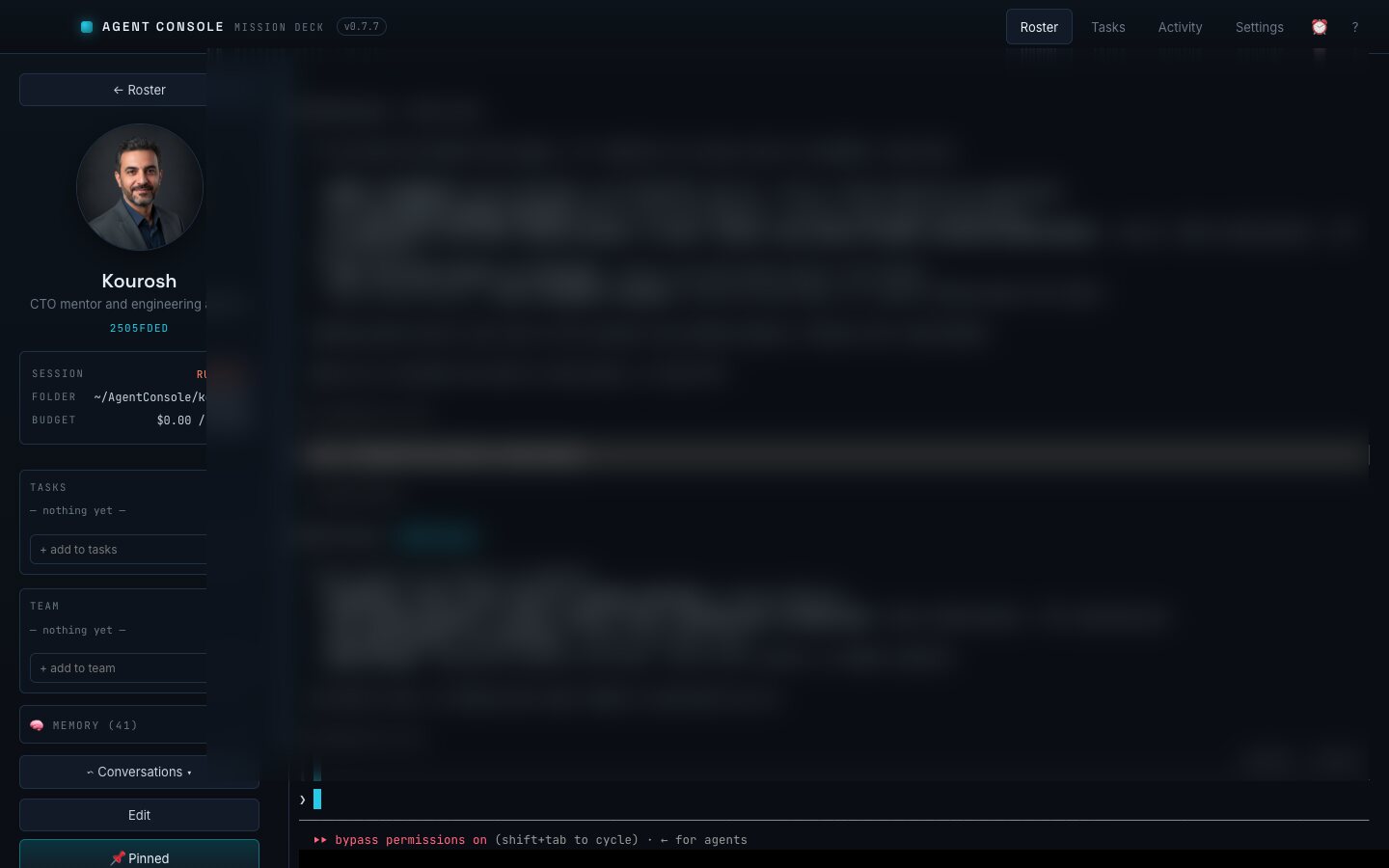
Each agent runs as a full interactive session in its own terminal, resumable and complete, so you get the real experience, not a watered-down chat box.
One sweep reads your inbox and messages and routes each item to the most relevant agent automatically, so the right operative picks up the right work.
Start-of-day briefings and recurring per-agent tasks run on their own and surface as findings on the agent's card, with desktop notifications.
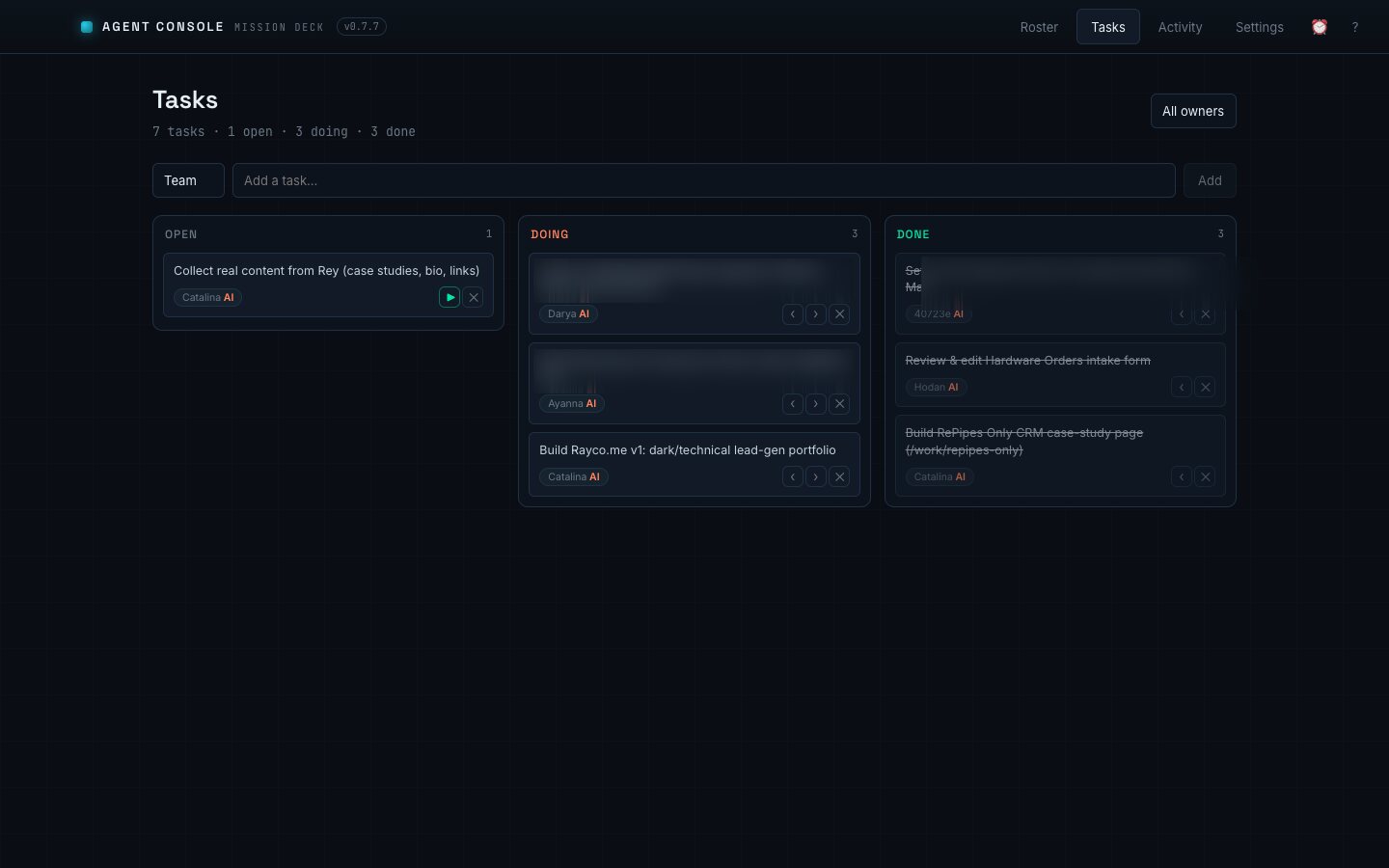
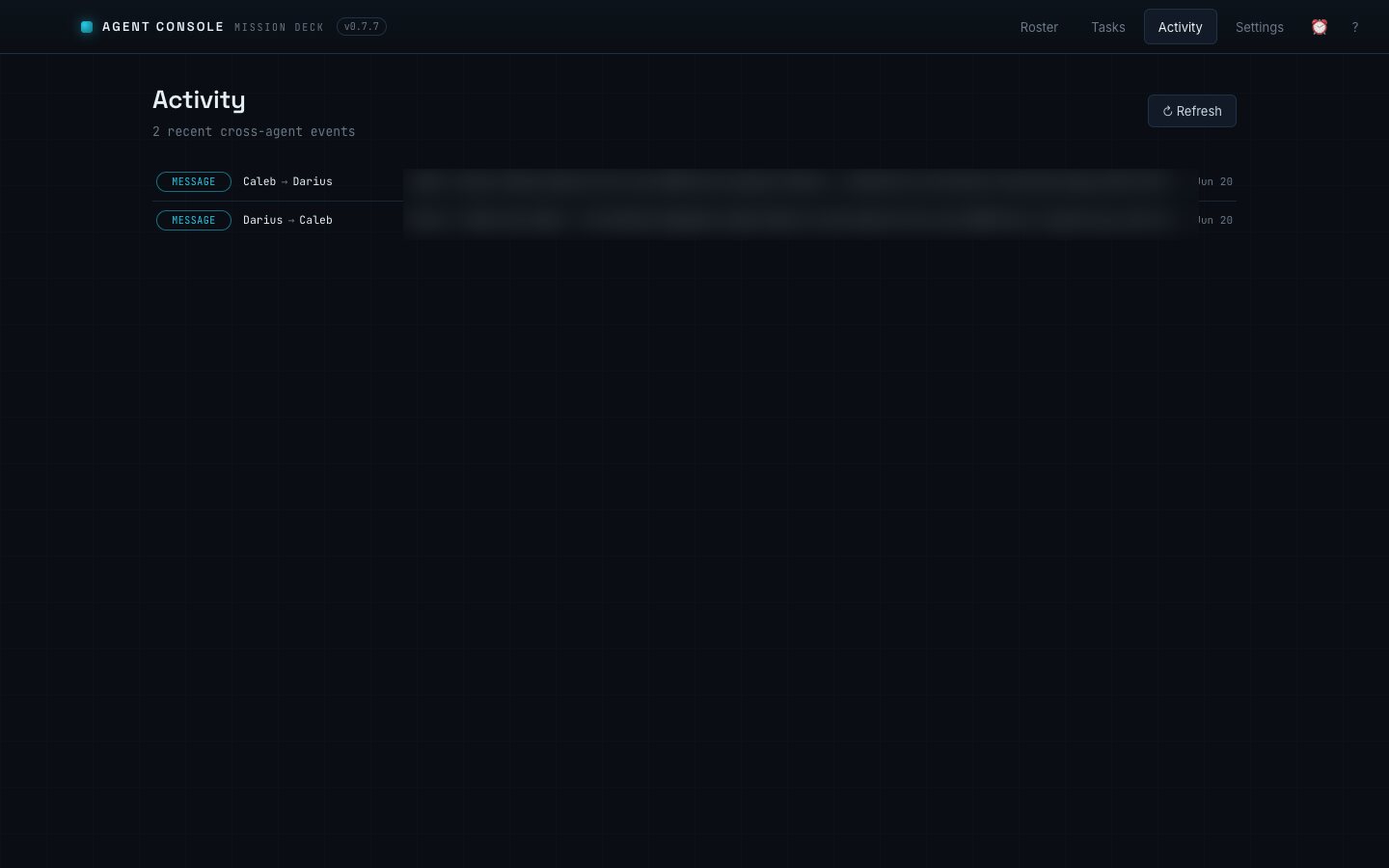
A cross-agent task board and a live activity feed let the fleet hand work off and stay coordinated, the way a real team would.
Per-agent daily spending caps keep budgets in check, and automatic runs pause the moment an agent hits its limit. No surprise bills.
A searchable command palette and a most-recently-used cycle make jumping between dozens of agents instant, even with a large fleet.
Send a phone photo straight into an agent's workspace over the local network, or relay a long command to another machine with a short code.
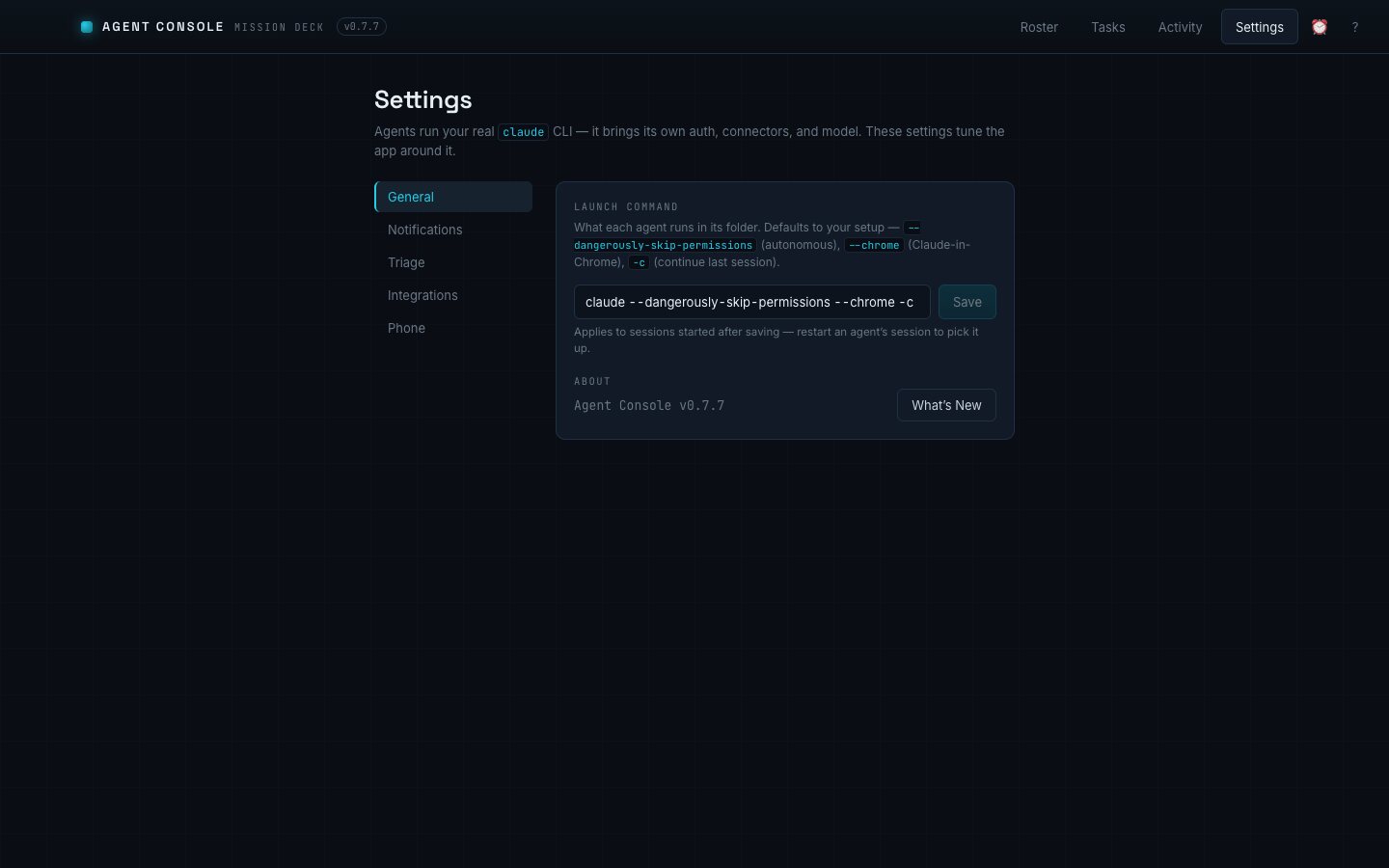
A look at the console in daily use. Conversation and task details are blurred for privacy.
The website you're reading right now was designed, built, and deployed by Catalina, one of the agents running inside Agent Console. Every page, every case study, every deploy: an AI operative with a role, a budget, and a task board, working alongside me over chat. The product isn't a demo. You're standing in its output.
I run my whole day through Agent Console. I hand work to the agents in the morning and check the board like I would with a real team. It's changed how much one person can get done.
Because these agents touch real work, the app is built so that the part you see never holds your secrets or runs anything sensitive. Credentials are sealed in the operating system's secure storage, the interface is hard-sandboxed, and every sensitive action stays in a single locked-down layer. Powerful, but careful.
A working desktop app that runs a coordinated team of AI agents every day. Instead of babysitting one assistant at a time, a whole fleet works in parallel, each on budget, each on task, all visible from one deck.
Let's talk
If you can picture it, I can probably build it. Tell me what you have in mind.